
8K DisplayPort to HDMI Cable 8K@60Hz 4K@120Hz Uni-Directional DisplayPort to HDMI Cable Gold Plated Cord for HDTV Macbook Xbox
4K DP to Hdmi-black / 2m
$11.44
Sale price
$11.44
Regular price
$7.56
Skip to product information


8K DisplayPort to HDMI Cable 8K@60Hz 4K@120Hz Uni-Directional DisplayPort to HDMI Cable Gold Plated Cord for HDTV Macbook Xbox
$11.44
Sale price
$11.44
Regular price
$7.56
Shipping calculated at checkout.
Description
SPECIFICATIONS
8K@60Hz 4K@120Hz: 8K@60Hz 4K@120Hz
Application: Speaker,For iPod,Computer,Microphone,Multimedia,Monitor,Telephone,DVD Player,Projector,Television,TV box,Amplifier,MP3 / MP4 Player,Camera
Brand Name: FDBOY
Bundle: Bundle 1
Certification: CE
Choice: yes
Connector A: Displayport(DP)
Connector B: HDMI-Compatible
Feature: HDMI-Compatible2.1
Gender: Male
High-concerned chemical: None
Model Number: 04011034
Origin: Mainland China
Outer Diameter: 0.1
Package: Yes,Polybag
Shielding: Non-Shielded
Type: HDMI-Compatible Cables
8K DisplayPort to HDMI Cable 8K@60Hz 4K@120Hz Uni-Directional DisplayPort to HDMI Cable Gold Plated Cord for HDTV Macbook Xbox
*EXCELLENT TRANSMISSION: BENFEI DisplayPort to HDMI 6 Feet Cable utilizes better chip solution and professional multiple shielding for instaneous and accurate data streaming.
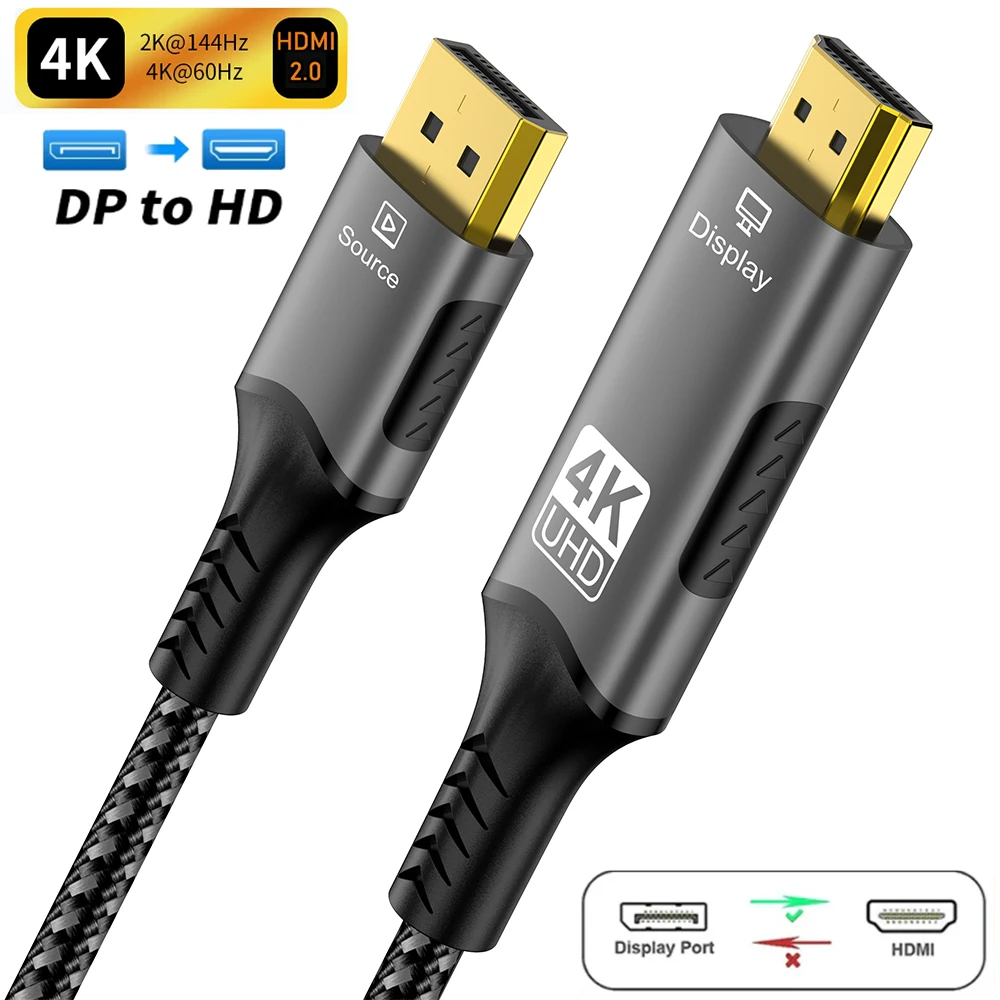
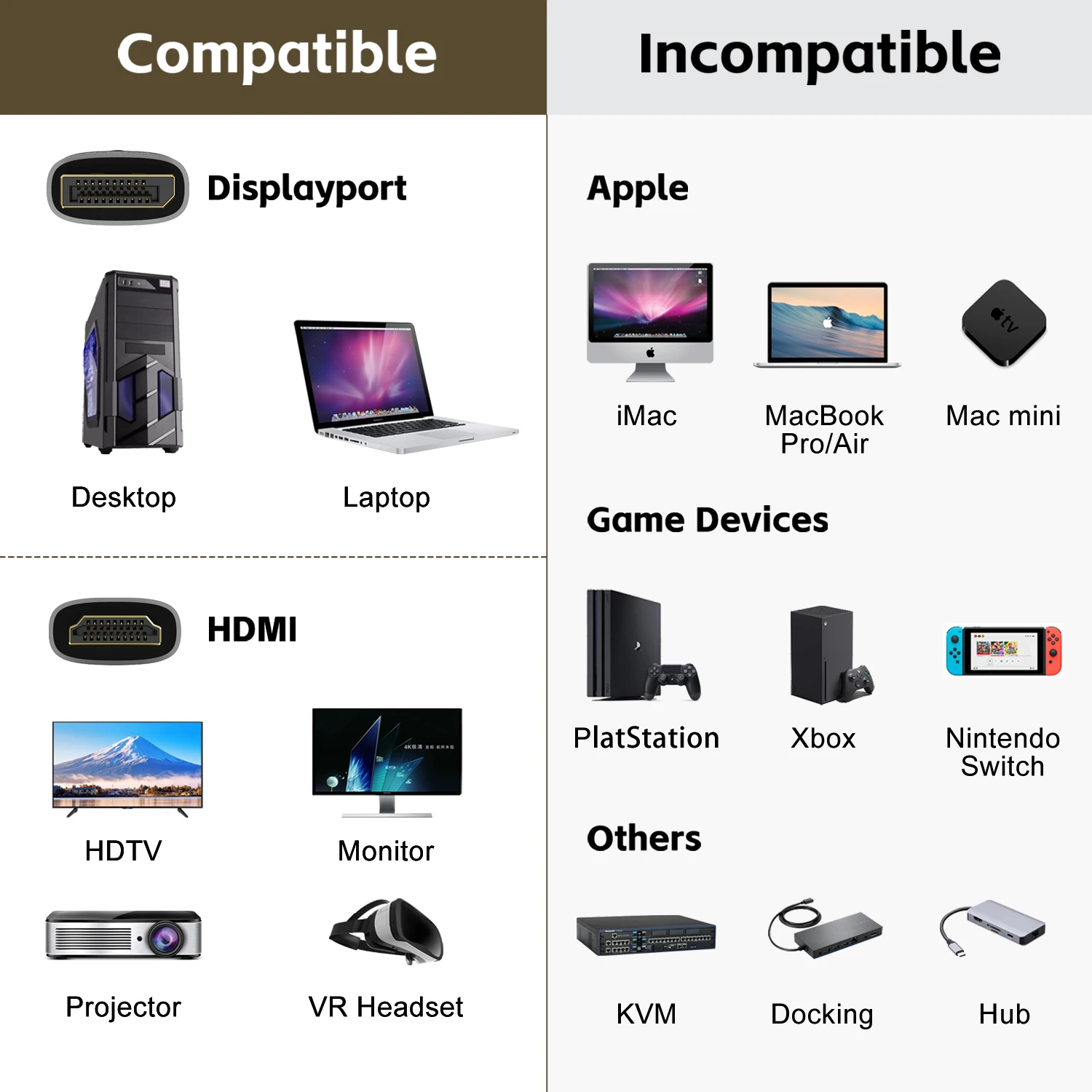
*SUPERIOR STABILITY - Built-in advanced IC chip converts DisplayPort signal to HDMI signal; It is NOT a bi-directional converter and cannot transmit signals from HDMI Source to DisplayPort Monitor.
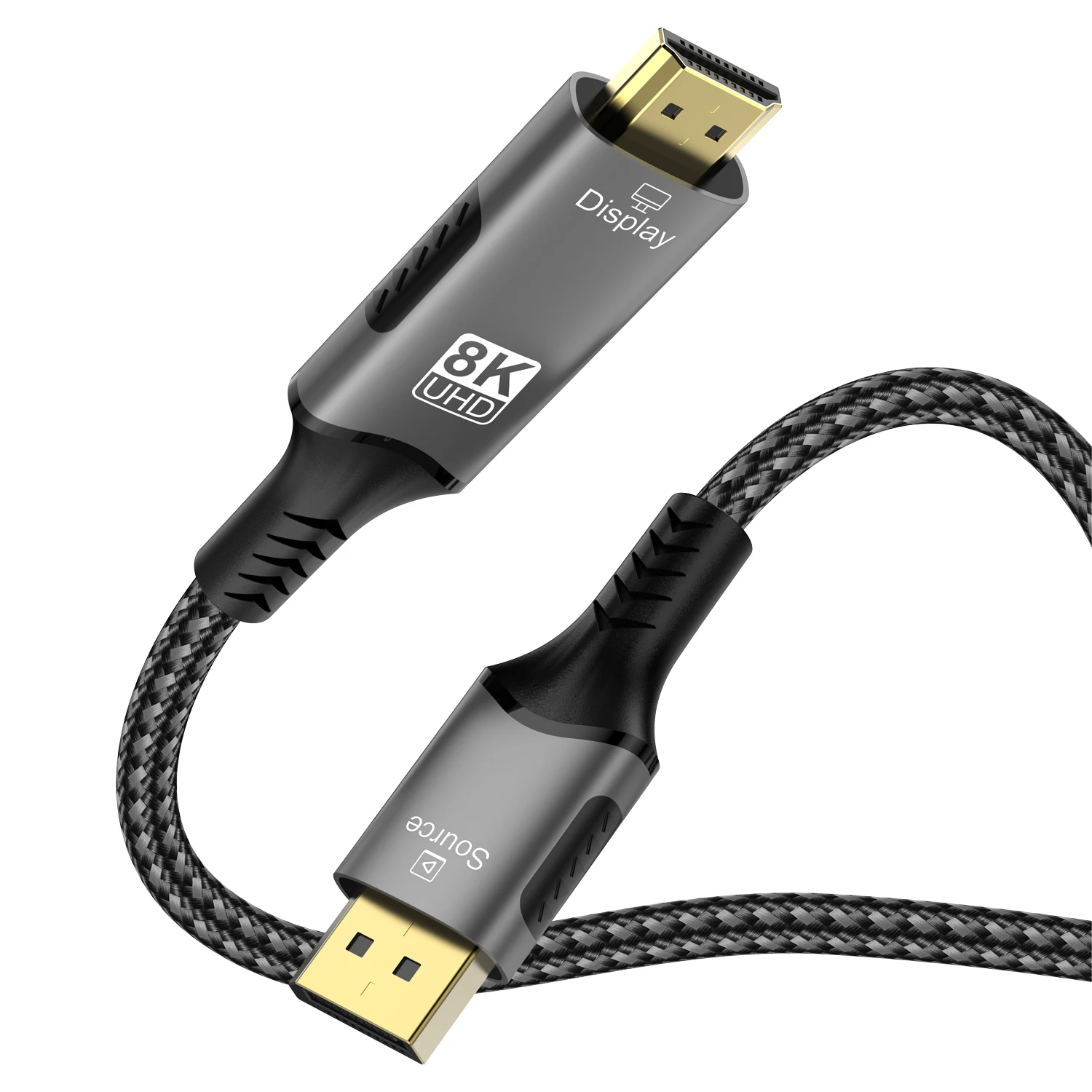
*Design - Braided nylon cable for extra durability and user-friendly non-slip design for easier plug and unplug. Premium aluminium alloy casing for better heat insulation. Latches-free Displayport connector can avoid damaging ports if forget to depress the button or causing loose connection when the latches fail.
Post-Purchase Notes:
1. Verify that both the graphics card port and display port are fully seated without interference.
2. Ensure the display output is switched to the currently active port.
3. After reseating both ends, confirm proper connection, then restart the computer to re-establish the handshake protocol.




Care
To maintain the beauty and integrity of your purchase, we recommend treating it with care. Simple maintenance practices, such as gentle washing and proper storage, can effectively preserve the longevity of your favorites. We encourage you to refer to the care instructions included with each item, designed to help you keep your purchase in top condition.
Design
Our dedication to excellence extends beyond materials; it encompasses the artistry and craftsmanship illustrated in every piece we create.